Text size
Line height
Text spacing
Your PPN account provides access to PPN platforms, including PPN Learn, Resource Central, Continuing Education, and Analytics. To begin, select the login button on the platform you want to use. You will be directed to the PPN login page.
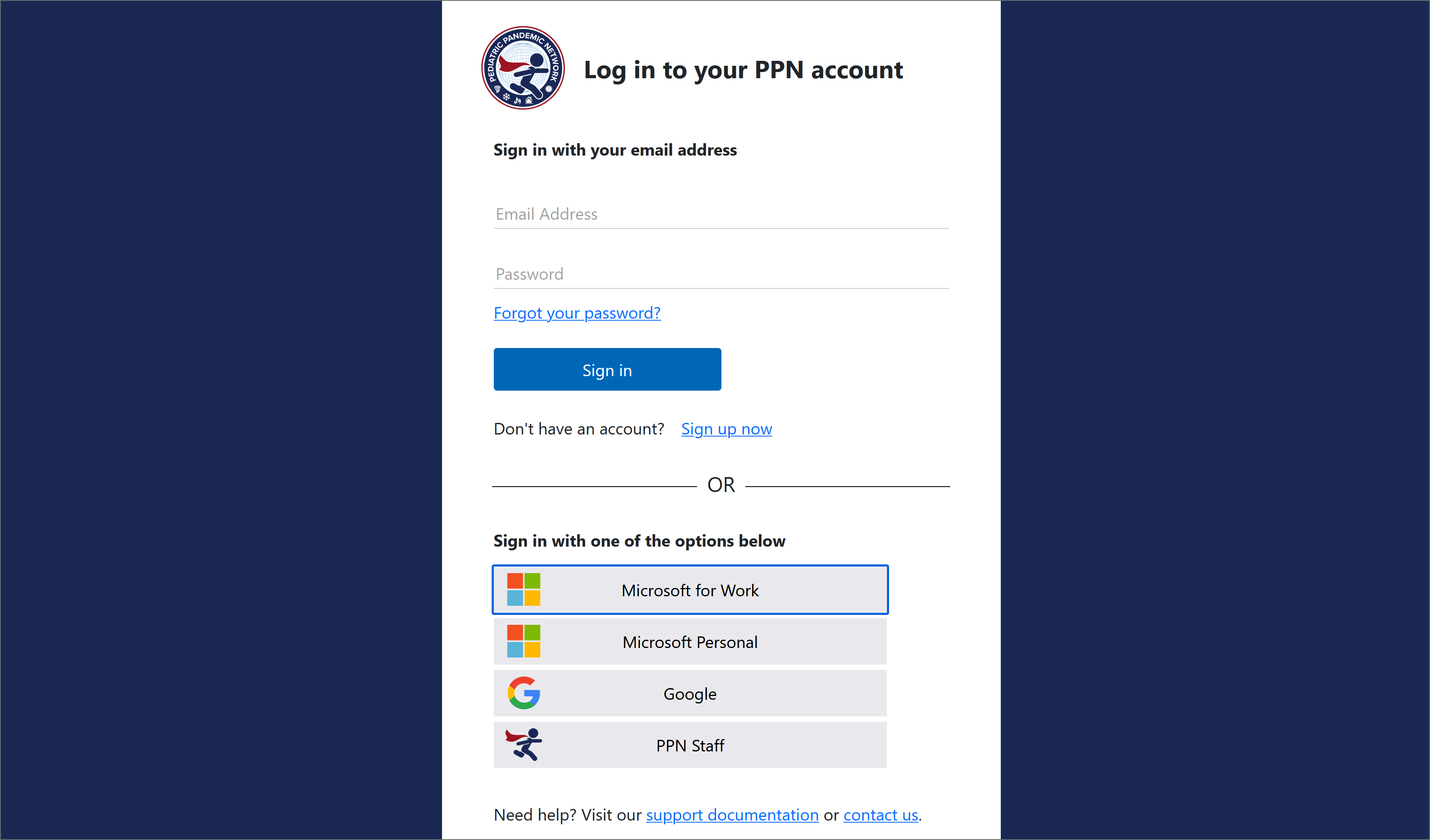
Choose the login method associated with the account you originally used. Using a different method may create a separate PPN account.
You can create or access a PPN account using one of the following five methods:
You may use an email address and password to create a PPN account or log in to an existing account.
To create an account, select Sign up now and complete the registration form. You will be asked to verify your email address before the account-creation process can be completed.
Select Microsoft for Work if you want to create or access your PPN account using a Microsoft work or school account.
Your organization’s information technology policies must allow the account to be used with external single sign-on applications.
If this option does not work: Use the Email and Password method above and register with your Microsoft email address.
Select Microsoft Personal if you have a personal Microsoft account, such as an address ending in @live.com, @outlook.com, @msn.com, or @hotmail.com. Do not use this option for a work or school Microsoft account.
Select Google if you want to create or access your PPN account using a personal Gmail account or an eligible organizational Google Workspace account.
Select PPN Staff if you are a PPN staff member with an email address ending in @pedspandemicnetwork.org.
If you are unsure whether you have a PPN staff account, submit a support request so the PPN Learn team can help verify your account. You may also use one of the other login methods described on this page.
Need help? If you cannot access your existing account or are unsure which login method you previously used, please contact the PPN Learn support team before creating another account.

