Frequently Asked Questions (FAQs)
Access Content You Enrolled In
When you enroll in content using your PPN account, PPN Learn adds it to your personal course dashboard. You can return to this area to reopen courses and review available progress or completion information.
How to Find Your Enrolled Content
- Log in to PPN Learn using the account you used to enroll.
- Select My courses from the navigation menu.
- Review the courses and other enrolled content displayed on your dashboard.
- Select a course title or course card to return to the content.
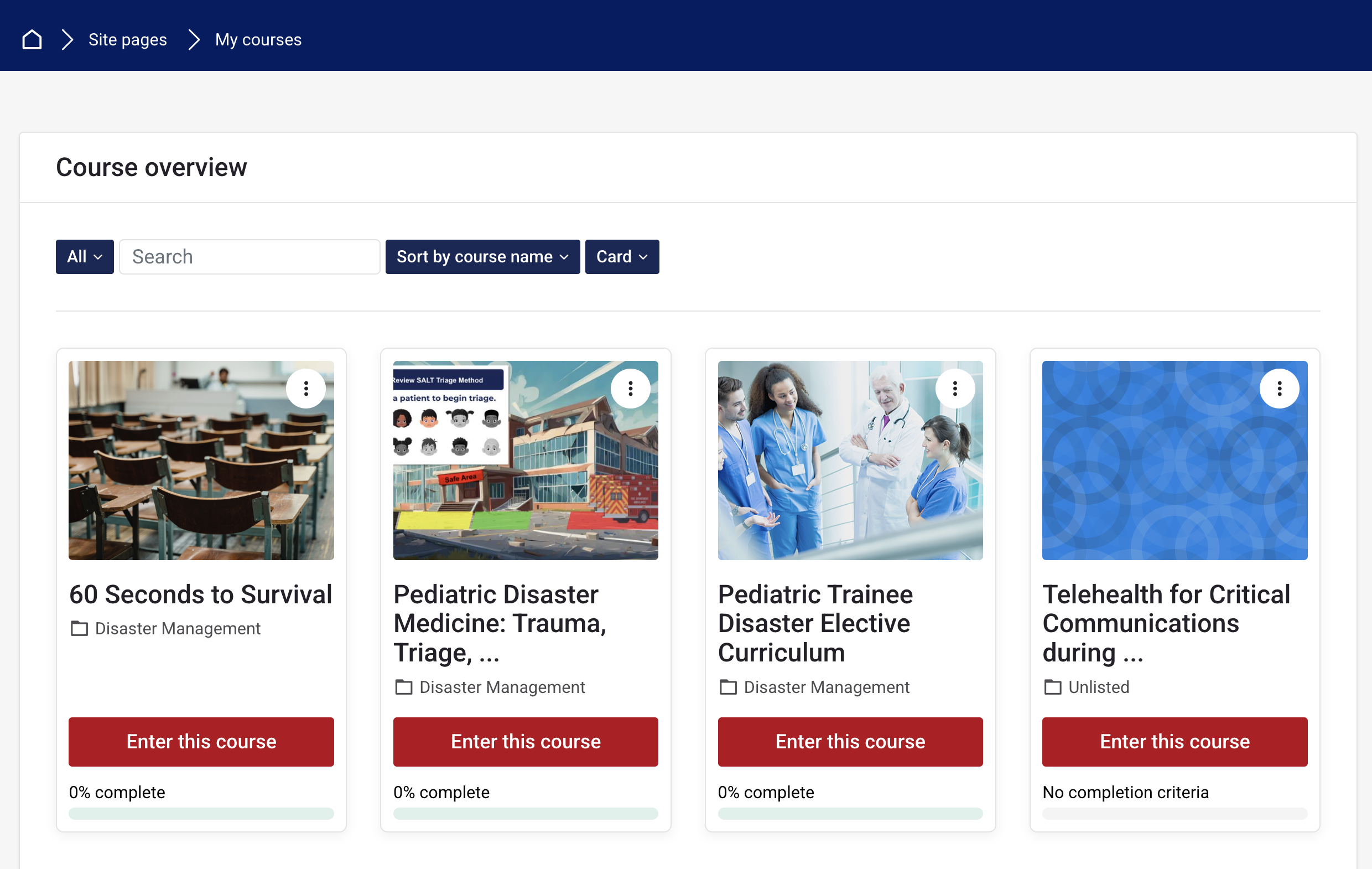
From the dashboard, you can re-enter content in which you are already enrolled. Depending on how a course is configured, you may also be able to review your progress or completion status.
Cannot find a course? Confirm that you logged in using the same account and login method you used when enrolling. If the course still does not appear, contact your course facilitator or PPN Learn Support .