Frequently Asked Questions (FAQs)
Enroll in PPN Learn Content
PPN Learn offers several ways to access courses, curricula, and educational resources. The enrollment method depends on how the content has been configured.
Some content can be accessed immediately, while other content requires a PPN account, an enrollment key, or enrollment by a course facilitator.
Open Access
Content identified as Open Access does not require a PPN account or login. You can open the resource and begin using it immediately.
Open Access is commonly used for resources that do not require individual progress, participation, or completion tracking.
View an example of Open Access content.
Self-Enrollment
Some content requires a PPN account and login, but allows you to enroll without assistance from a course facilitator.
When you select the course or activity, follow the prompts to log in or create a PPN account. After signing in, select the available enrollment option to join the course.
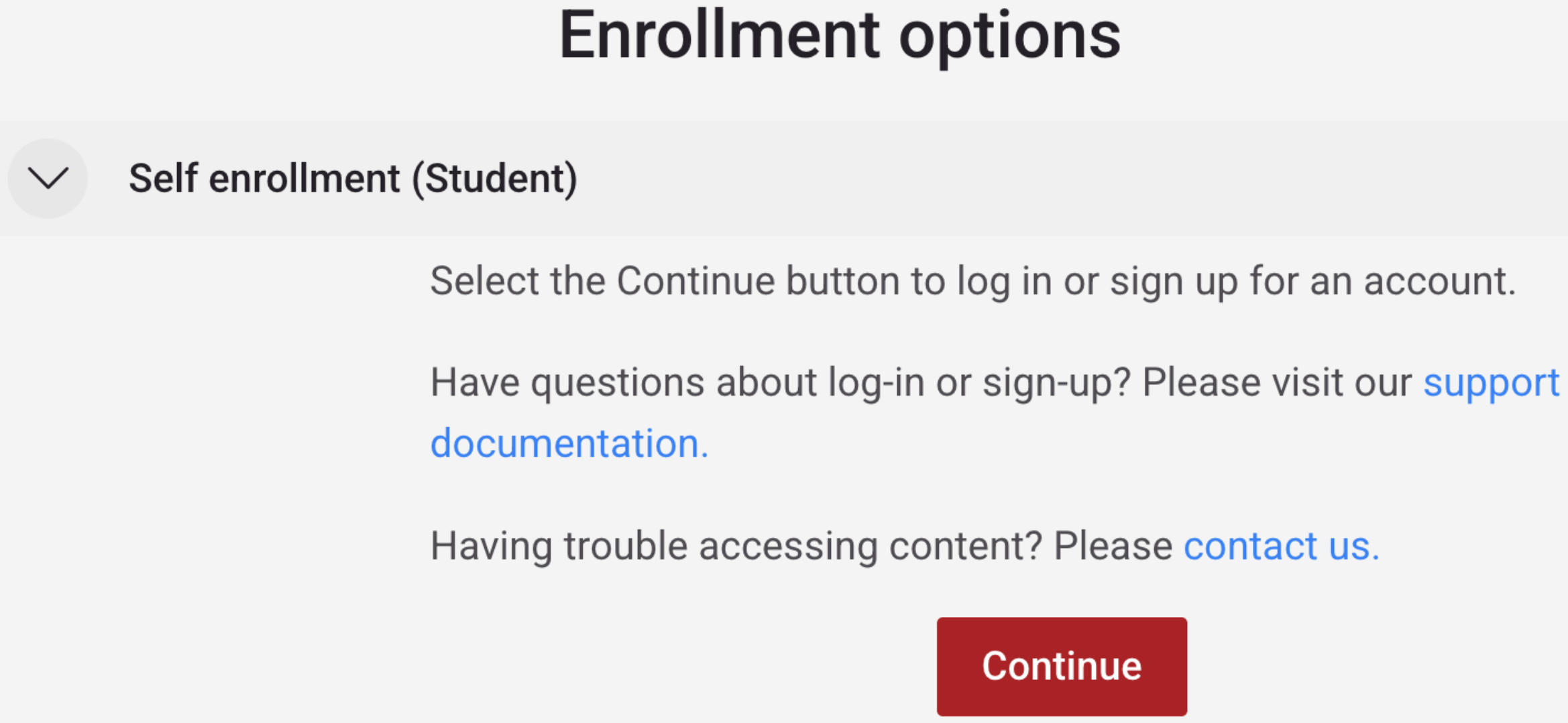
Self-enrollment is commonly used for self-paced courses and modules. It allows you to track your progress and helps course teams understand learner participation.
Self-Enrollment with an Enrollment Key
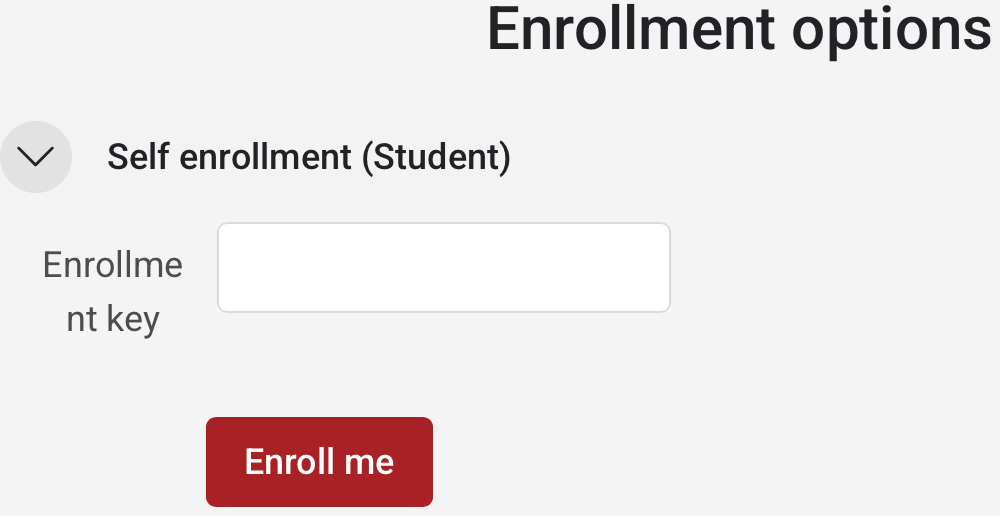
Some courses allow self-enrollment but require a course-specific enrollment key. The course or program organizer should provide this key to eligible participants.
How to Enroll
- Go to PPN Learn and select Log in.

- Log in to your existing PPN account or select Sign in or sign up with another account. New users may be asked to verify an email address, create a password, and provide brief demographic information.
- Navigate to the enrollment page for the course you want to join.
- Enter the enrollment key provided by the course organizer in the Enrollment Options area, and then select Enroll Me.
- After enrollment is confirmed, open the course and begin participating.
Protect enrollment keys: An enrollment key may be limited to a particular program, organization, or learner group. Do not share a key unless the course organizer has authorized you to do so.
If you were told that a course requires an enrollment key but did not receive one, contact the course or program organizer who invited you to participate.
Enrollment by a Facilitator
Some courses require both a PPN account and enrollment by a course facilitator, teacher, manager, or administrator. You cannot enroll yourself in these courses.
Facilitator enrollment is commonly used for cohort-based programs, institution-specific training, or courses with a defined participant group.
After the facilitator confirms your enrollment, log in to PPN Learn and look for the course under My courses.
Cannot find your course? If you believe you should have access but do not see the course after logging in, first confirm that you used the correct PPN account. Then contact your course facilitator or PPN Learn Support for assistance.